How to Use PenEarn's AI Writing Tools Without Losing Your Voice
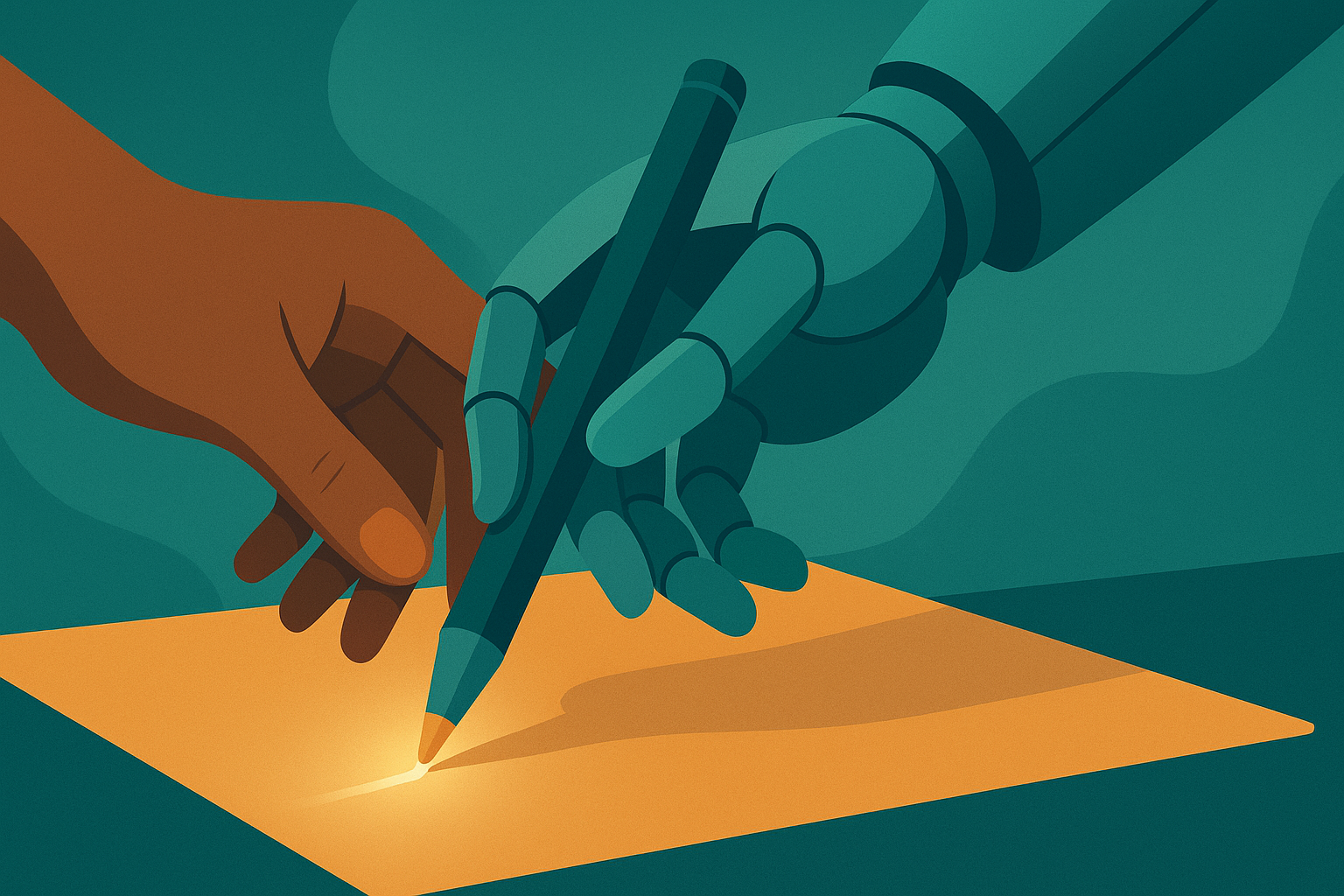
There is a particular fear every serious writer carries into the AI era: that the moment you accept help from a machine, the story stops being yours. It is a fair worry. But used well, PenEarn's AI writing tools are less like a ghostwriter quietly stealing your byline and more like a sharp friend in Accra who reads your draft over jollof and says, "Ada, this scene drags — what if Chidi lied here instead?" You still write the book. You just write it faster, braver, and less alone.
This is a guide to doing exactly that: using the assistant as a co-pilot, never an autopilot.
First, know what these tools actually are
PenEarn ships two AI helpers, and it helps to keep them separate in your head.
The AI writing assistant lives beside your text while you draft. You toggle it on when you want it and off when you don't, and it is happy to brainstorm, rephrase, unstick a stuck paragraph, or tidy up clunky prose. The AI cover generator is a different beast entirely — it turns a description into cover art so your book does not go live wearing a grey rectangle.
Neither tool is a "write my novel" button, and that is the point. They are power tools. A power drill does not build the house; it just saves your wrist. Treat the assistant the same way, and your voice survives intact.
The goal is not to sound like the AI. The goal is to sound more like you, with less friction between your brain and the page.
Use it to brainstorm, not to decide
The safest, most voice-preserving way to use the assistant is at the idea stage, before a single sentence of prose is locked. Here the AI is a sounding board, and you remain the author of every real choice.
Try prompts like:
- "Give me five things that could go wrong at Zainab's wedding in Kano — make them escalate."
- "I need three reasons Kwame would betray his brother that aren't about money."
- "List sensory details for a rainy Lagos danfo at rush hour."
Notice these ask for options, not answers. You read the list, reject four ideas, and steal the fifth — or, better, the list sparks a sixth idea the AI never mentioned. That sixth idea is the gold. If you are still figuring out who you are on the page, pair this with our guide on how to find your author voice; the AI can only echo a voice you have already begun to define.
Use it to unblock, then throw the scaffolding away
Writer's block is where AI is most tempting and most dangerous. Tempting, because a blank page is agony. Dangerous, because it is easy to paste the machine's paragraph and move on.
Here is the co-pilot method:
- When you are stuck, ask the assistant to write the stuck passage badly — "just get me from the argument to the airport, I'll fix it."
- Read what it gives you. Do not keep it.
- Rewrite it entirely in your own words, keeping only the structure that unstuck you.
The AI's draft is scaffolding. You build the real wall, then tear the scaffolding down. What remains is one hundred percent yours, and you got past the wall in ten minutes instead of ten days. For a whole arsenal of non-AI escape hatches too, keep our list of tricks to beat writer's block within reach — sometimes a walk beats a prompt.
Use it to rephrase and polish — surgically
Late in a draft, the assistant shines as an editor. Feed it a sentence you already wrote and ask targeted questions:
- "Is this line confusing? Don't rewrite it, just tell me why."
- "Give me three shorter ways to say this without losing the sarcasm."
- "Where does this paragraph slow down?"
See the pattern? You are asking for diagnosis far more than prescription. When you do accept a rephrase, read it aloud. If it does not sound like something you would say — if the rhythm is wrong, the humour flattened, the Nairobi cadence sanded off into airport-lounge English — reject it. Your ear is the boss. The AI does not get a vote; it gets a suggestion.
A quick guardrail checklist
Before you accept any AI-touched sentence into your book, run it past these:
- Did I edit it? If you pasted it untouched, that is not co-piloting.
- Does it sound like me? Read it aloud. Trust the flinch.
- Do I understand every word? Never ship a sentence you could not have written yourself.
- Is anything invented? The AI will confidently produce fake facts, fake history, fake proverbs. Verify anything factual.
Making a cover with the AI generator
A great cover sells the unlock. When you are ready, you can generate a book cover with AI right from your dashboard — it uses coins, so spend them with a plan rather than rolling the dice twenty times.
Good cover prompts are specific and mood-forward:
- Name the genre and tone: "moody literary romance," "bright YA adventure."
- Name the subject and setting: "a young woman looking out over the Kumasi skyline at dusk."
- Name the palette: "warm oranges and deep indigo."
- Say what to avoid: "no text, no faces in close-up."
Generate a few, pick the one that makes you want to click, and remember a cover is a promise. If your story is a tender family drama, do not let the AI hand you an explosion.
Two honest limits to respect
The assistant has fair-use limits. It is a shared, real resource, not a bottomless well, so use it intentionally. Batch your questions, ask the good ones, and do not burn a day's worth of help asking it to rename your cat. Writers who use it with purpose rarely hit a wall; writers who treat it like a slot machine do.
Ownership and honesty matter. Because you write, edit, and own every real sentence in this workflow, the book is genuinely yours to publish and to earn from. Keep it that way. Do not pass off an unedited AI dump as your labour, do not fabricate quotes or statistics inside your fiction's "real world" facts, and never claim a lived experience you built from a prompt. Your readers spend real coins to unlock your chapters. They are buying you. Do not sell them a stranger.
If the tool ever makes your writing sound less like a person and more like a press release, close it. You are the writer. It is the wrench.
The whole thing in one breath
Brainstorm with it. Unblock with it. Diagnose with it. Cover your book with it. Then edit everything, read everything aloud, verify every fact, and keep only what sounds like you. Do that, and AI does not dilute your voice — it clears the clutter so your voice comes through louder.
Now stop reading about it. Open your dashboard, toggle the assistant on, and start writing the chapter your readers are waiting to unlock.
Comments
0 comments